
AI can generate images. Editing them is harder.
Editing AI-generated images into reusable assets means protecting approved details, layered source files and transparency—from game sprites to product illustrations.
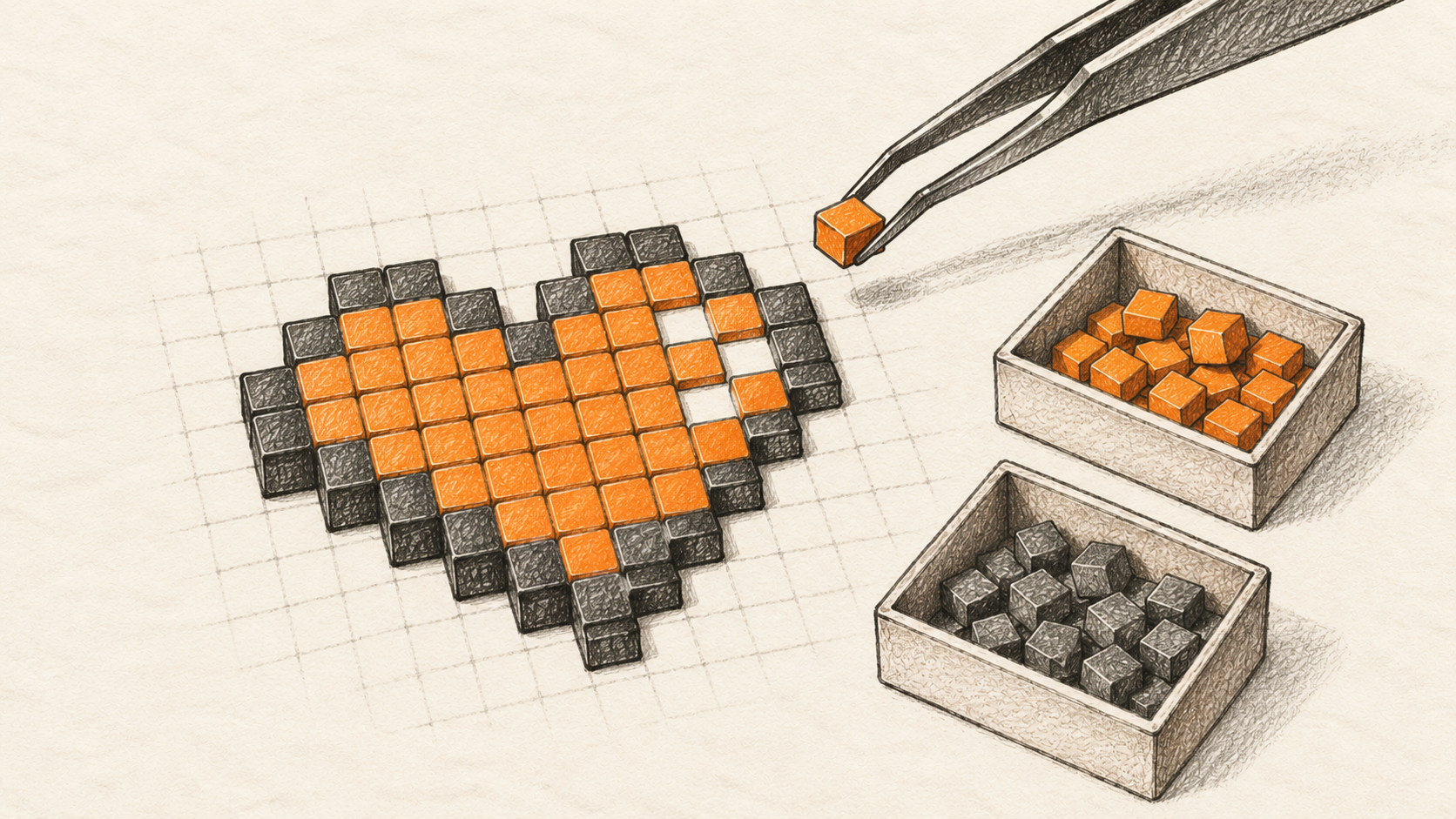
Getting an AI-generated image that looks good can feel like the end of the job. In my experience, it is often where the harder job begins.
I ran into that distinction while working on a family of pixel-art visuals. I already had artwork worth keeping. The next request was not to invent another version of the scene. It was to make one existing detail clearer while retaining the composition, recognizable shapes, transparency and everything else that had already been accepted.
That sounds smaller than generating an image. Technically, it is a different problem.
A fresh generation can be attractive and still be unusable as a revision. A leaf can shift. An outline can change. The colour of an unrelated object can drift. A character can acquire a slightly different expression between frames. These are not necessarily defects when exploring ideas. They are defects when the reference has already been approved and consistency is the requirement.
The lesson was not that AI is bad at images or that every image needs to become pixel art. It was that a good image and a maintainable visual asset are not the same thing.
Once a visual is approved, the task changes
Early in the process, variation is useful. You want to see alternatives. You might replace the whole composition because you have not yet decided what it should be. Generative tools are particularly attractive at this stage: they can help you explore more directions than you might draw manually.
After approval, variation becomes a liability unless you can control it.
One of my real revisions involved a small hourglass beside an existing pixel-art scene. The surrounding artwork was already settled. The hourglass needed to read more clearly in a 144×144 reference preview. That was a controlled visual review size, not proof of a deployed game asset or a player test. Recreating the scene from a new prompt would have been the wrong default: even a close-looking result could disturb approved details that were not part of the requested change.
Instead, the work used the existing editable source and a narrowly scoped modification. Comparing the two original full-resolution scenes found 30,080 changed RGBA pixel positions, all within the hourglass region and none outside it. That is evidence of preservation for this particular before-and-after pair, not a universal guarantee about AI edits. Nor does a pixel comparison prove the hourglass looks better. That took a separate visual judgment at preview scale.

The distinction matters well beyond pixel art. A product illustration may be used on ten pages. A UI icon may belong to a family with agreed proportions. A game character may need to appear consistently in dozens of frames. Once those relationships exist, a new image that merely resembles the old one is not a dependable replacement.
Keep the source, not only the picture
An exported image and an editable source file serve different purposes.
A transparent PNG is a useful delivery format. It can preserve colour and an alpha channel, so an image can sit on different backgrounds without a solid rectangle around it. But a conventional flattened PNG does not retain the original separation between, say, a plant, a small object and the terrain beneath them. If you only keep the flattened result, the next localized edit may require reconstructing boundaries that used to be separate.
In this work I used layered sources alongside PNG exports, with Pixelorama among the tools evaluated for editing and native project handling. Its native project format is .pxo. OpenRaster (.ora) is a layered-raster interchange format that can carry an ordered layer stack and merged preview. Neither a native project file nor an ORA file should be assumed to behave identically across every application, but both address a problem a flat export cannot: retaining structured material for future changes.
The editing pipeline was not simply “open an AI image in Pixelorama and everything works.” Some source-bound edits and compositing were done deterministically outside the editor. Pixelorama import, save and export behaviour was evaluated separately. Keeping those operations distinct is part of describing the work accurately.
A layered file does not guarantee that an edit is good. It simply creates the possibility of changing the intended object without manually repairing everything around it. To make that possibility reliable, you still need to know which source version is authoritative, what must remain unchanged, and which output you are evaluating.
This is why I now think of the image master and the exported image as two deliverables, not interchangeable files. The export is what a website, game engine or viewer consumes. The editable master is what lets the next change remain controlled.
Pixel-perfect is not the same as looking right
There are at least three different questions to ask when editing an established asset.
Did I change only what I intended? Compare the before and after images at the same source dimensions. Inspect RGBA values, not just visible RGB: a change to alpha can introduce halos or holes even when the apparent colour is similar. Check that any changed pixels outside the intended area have an explanation. If you work with layers, confirm that the expected composite is actually the one being exported.
Did I preserve what needs to remain editable? A file can export correctly while losing useful structure for the next edit. Conversely, a well-formed layered project can contain an unattractive visual result. File integrity and artistic acceptance are different checks.
Does the detail work at its actual display size? This was the crucial one in the sprite work. Zooming into the source can make a small object look clear simply because it occupies a large part of the screen. In a 144×144 reference preview, the same detail may become muddy, especially when gentle colour transitions are packed into very few visible pixels.

For pixel art, enlarging the source with nearest-neighbour scaling preserves discrete pixel boundaries. That is useful for examining the source grid, and integer scaling is often useful when displaying pixel-art games. But “nearest-neighbour” is not a magic sharpness switch. If the original object already contains softly blended colour transitions, scaling it without interpolation will faithfully enlarge those same transitions. It cannot invent a cleaner source.
There is also a separate problem at the point of display. An engine or browser may apply texture filtering or scale an image by a non-integer factor. That can soften an otherwise crisp source. For example, Godot documents image-import choices and resolution/scaling options, but I did not validate this particular asset in Godot. Diagnose which problem you are seeing: a soft source, an export problem, or post-import rendering. Changing texture filtering cannot repair source pixels that were already muddy.
This is particularly important for game sprites, where an insect, item, expression or animation detail may be only a handful of screen pixels. A beautiful enlarged preview is not a reliable acceptance test for a small on-screen object.
The background is part of the test
Transparency creates another easy trap. A sprite can look convincing on the editor's default checkerboard or a light canvas but lose its outline against dark scenery. Thin translucent edge pixels may show a halo. A small coloured detail may blend into nearby foliage or UI elements.
I checked the approved scene at the same 144×144 reference-preview size against light, dark and coloured backgrounds. This was not an in-game rendering test; nor do three backgrounds establish universal readiness. They expose possible visibility and edge problems before the asset gets reused elsewhere.

In the same project, a later variant brought several small insects into a more consistent arrangement. The geometry and layered-file checks were satisfactory, but the insects remained too soft at the 144×144 reference-preview size. That variant was not accepted as the new master. It is a useful reminder that a technically valid edit can still be a bad visual asset.
The export path exposed a more specific limitation. In a Pixelorama 1.2.3 smoke test, a source image was imported through a one-visible-layer OpenRaster project, saved as a native .pxo, and exported to PNG. The operation completed, but 10 visible pixels differed in RGB, by no more than one value per affected 8-bit channel; alpha was unchanged. That was not a round-trip test of the original multi-layer source and is not evidence that every Pixelorama export changes pixels. It is a reason to verify an output when exact colour fidelity matters. The exact paired input/export binaries were not available for an honest editorial image comparison, so none is shown.
A practical way to work with AI-assisted visual assets
The approach that emerged is straightforward enough to use outside this particular project:
- Freeze what is accepted. Explore freely before approval; afterward, use the approved visual as the reference.
- Keep source and export. Preserve meaningful layers or a native project alongside the exact delivered image.
- Bound the edit. Specify what can change—and what must remain untouched.
- Check pixels and alpha. Investigate unexpected RGBA changes without confusing source fidelity with visual quality.
- Inspect use-size and context. Check sprites at target preview size, UI icons in context, and consistency across recurring illustrations.
- Verify the export. An editor's canvas and its delivered image are different results; check both.
None of these steps requires a particular AI model, game engine or image editor. And not every illustration needs pixel-level accounting. A one-off concept sketch can be replaced freely. A recurring character, interface symbol or approved campaign illustration cannot always be.
The relevant question is how expensive inconsistency becomes once an image is reused. In a game, a changing silhouette can break the visual language of a sprite family. In a product interface, small shape changes can make icons feel unrelated. On a website, revised artwork can drift away from the visual identity already established across pages. The required tests differ, but the need to preserve the right things is shared.
The tangible outcome of my work was an accepted, reusable layered revision whose local improvement did not require replacing the surrounding scene. Equally important, another later variant remained on hold despite meeting narrower technical checks. Both outcomes matter. A workflow that can produce a better revision is useful; one that can recognize when the next revision still is not good enough is more reliable.
AI makes image generation accessible. Turning those images into assets that survive deliberate changes takes source files, boundaries, inspection and judgment.
An image becomes an asset when you can change what needs changing without losing what already works.